Skip to content

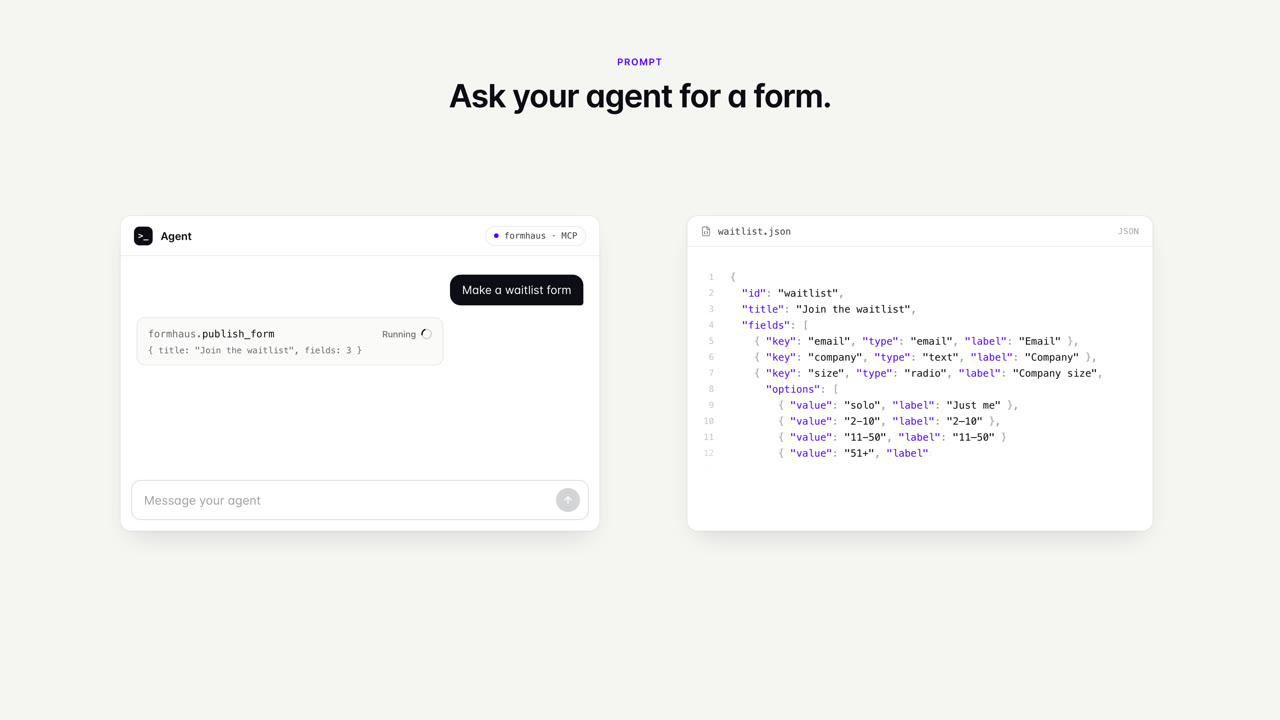
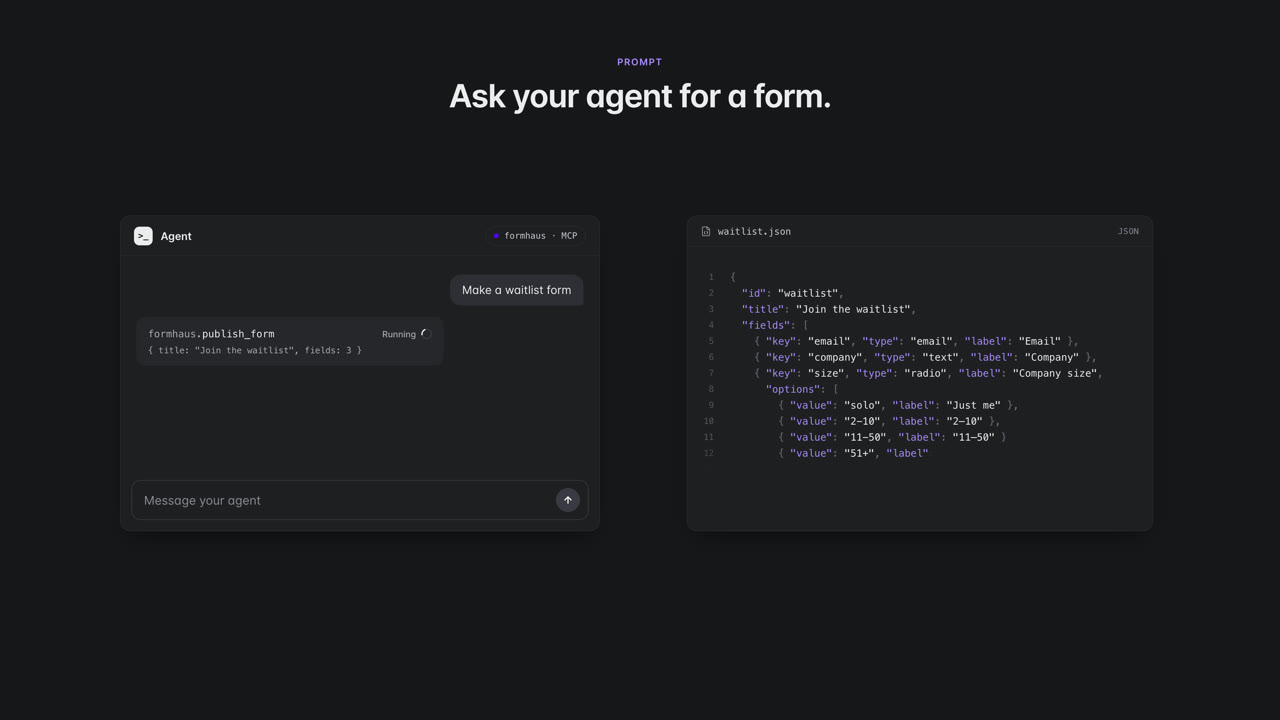
An agent writes a waitlist form and publishes it. The same form runs in React, Vue, a hosted page and Figma. Someone fills it in, and the response lands in the dashboard, a webhook and a CSV file. 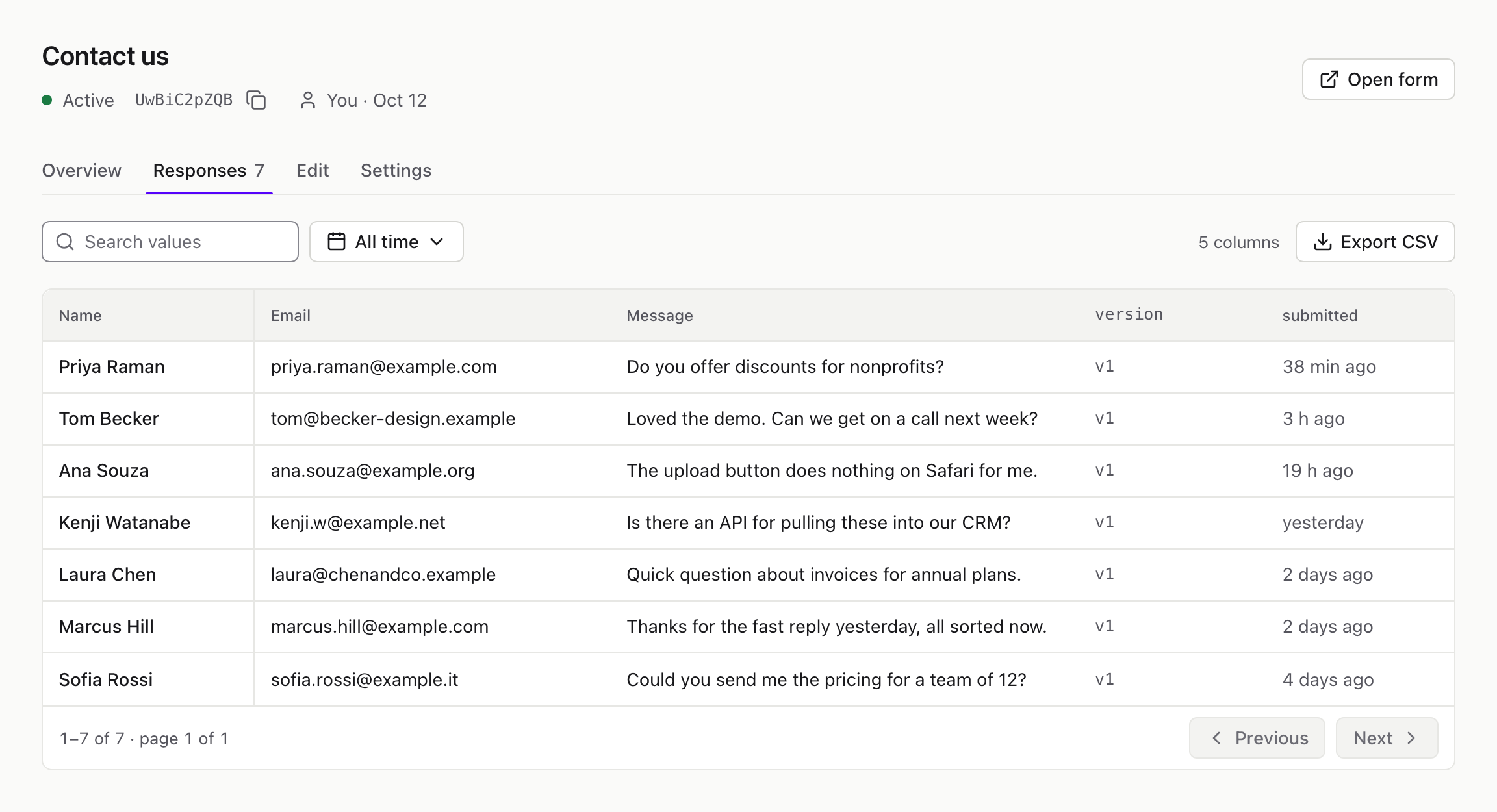
The form framework for the AI era.
Describe a form to share, embed, or use in your app.
claude mcp add -t http formhaus https://api.formhaus.dev/mcpConnect your AI agent. No account needed for your first form.
Try making a form
Edit this example or open the free builder, no signup needed.
1{2 "$schema": "https://formhaus.dev/schema/form-definition.json",3 "id": "onboarding",4 "title": "Set up your workspace",5 "submit": { "label": "Create workspace" },6 "steps": [7 {8 "id": "workspace",9 "title": "Workspace",10 "fields": [11 {12 "key": "whoIsItFor",13 "type": "radio",14 "label": "Who is it for?",15 "validation": { "required": true },16 "options": [17 { "value": "my-team", "label": "My team" },18 { "value": "just-me", "label": "Just me" }19 ]20 }21 ],22 "routes": [23 {24 "to": "team",25 "show": [{ "field": "whoIsItFor", "eq": "my-team" }]26 },27 { "to": "project" }28 ]29 },30 {31 "id": "team",32 "title": "Team",33 "fields": [34 {35 "key": "company",36 "type": "text",37 "label": "Company",38 "placeholder": "Acme Inc.",39 "validation": { "required": true }40 },41 {42 "key": "teamSize",43 "type": "radio",44 "label": "Team size",45 "validation": { "required": true },46 "options": [47 { "value": "2-10", "label": "2–10" },48 { "value": "11-50", "label": "11–50" },49 { "value": "51", "label": "51+" }50 ]51 }52 ],53 "routes": [{ "to": "invite" }]54 },55 {56 "id": "project",57 "title": "Project",58 "fields": [59 {60 "key": "whatWillYouBuildWith",61 "type": "radio",62 "label": "What will you build with?",63 "validation": { "required": true },64 "options": [65 { "value": "react", "label": "React" },66 { "value": "vue", "label": "Vue" },67 { "value": "something-else", "label": "Something else" }68 ]69 }70 ]71 },72 {73 "id": "invite",74 "title": "Invite",75 "fields": [76 {77 "key": "workEmail",78 "type": "email",79 "label": "Work email",80 "placeholder": "you@company.com",81 "validation": {82 "required": true,83 "pattern": "^[^@\\s]+@[^@\\s]+\\.[^@\\s]+$",84 "patternMessage": "Enter an email like you@company.com"85 }86 }87 ]88 }89 ]90} Valid definition · 90 linesJSON
Keep track of responses
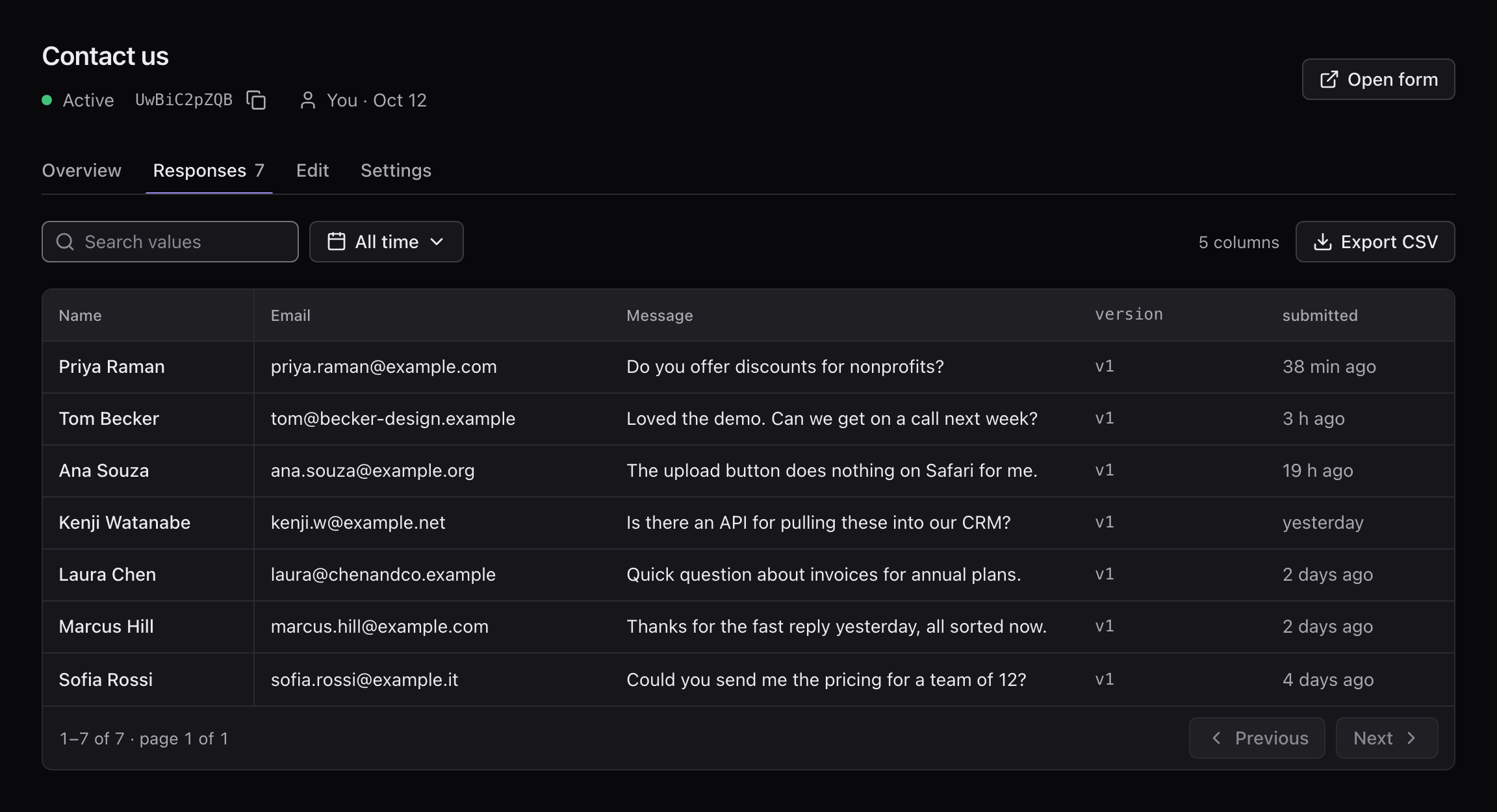
Get responses through your dashboard, email notifications, webhooks or CSV downloads.
Use your own components
Build forms in React or Vue with your design system.
ContactForm.tsx · 7 lines
1import { FormRenderer } from '@formhaus/react';2import '@formhaus/core/style.css';3import definition from './contact-form.json';45export const ContactForm = (props) => (6 <FormRenderer definition={definition} {...props} />7);See your form in Figma
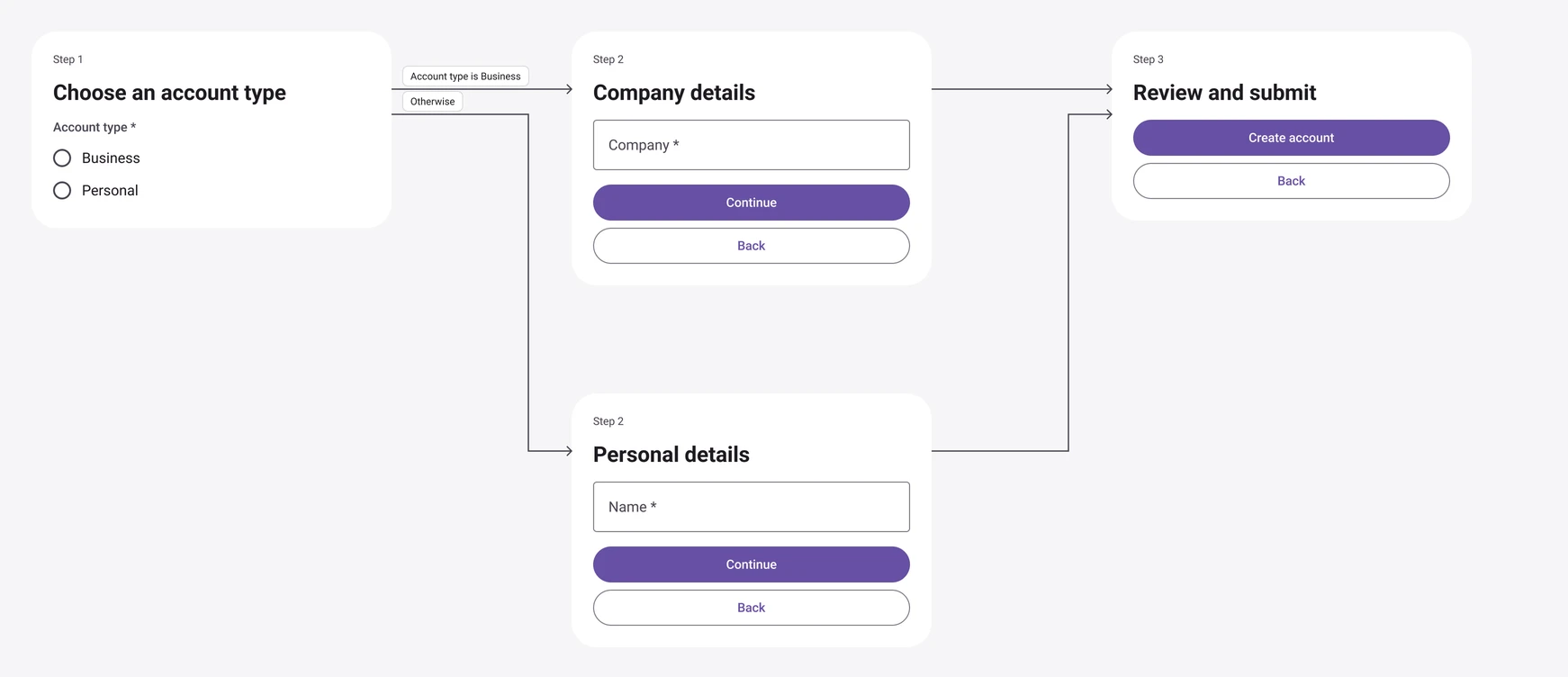
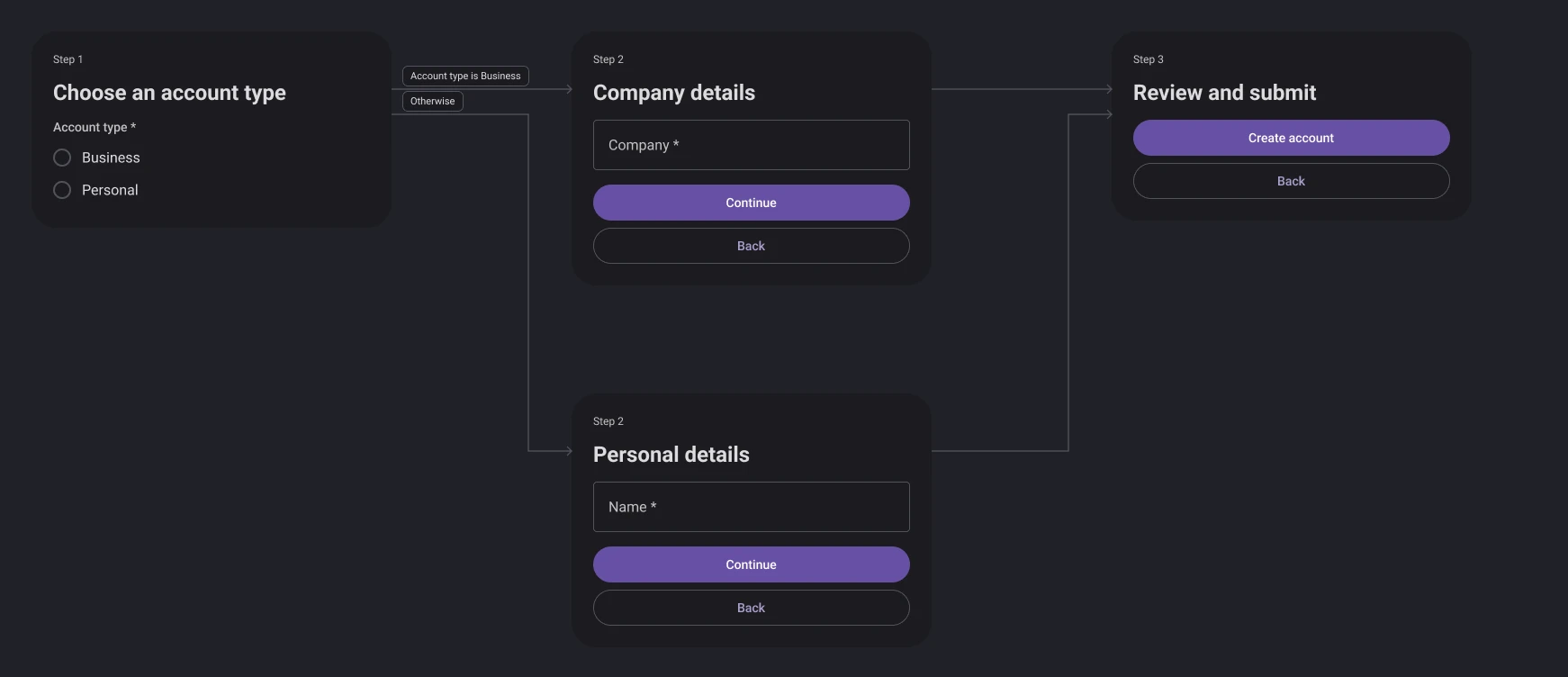
One JSON file powers your app, hosted form and Figma mockups.